
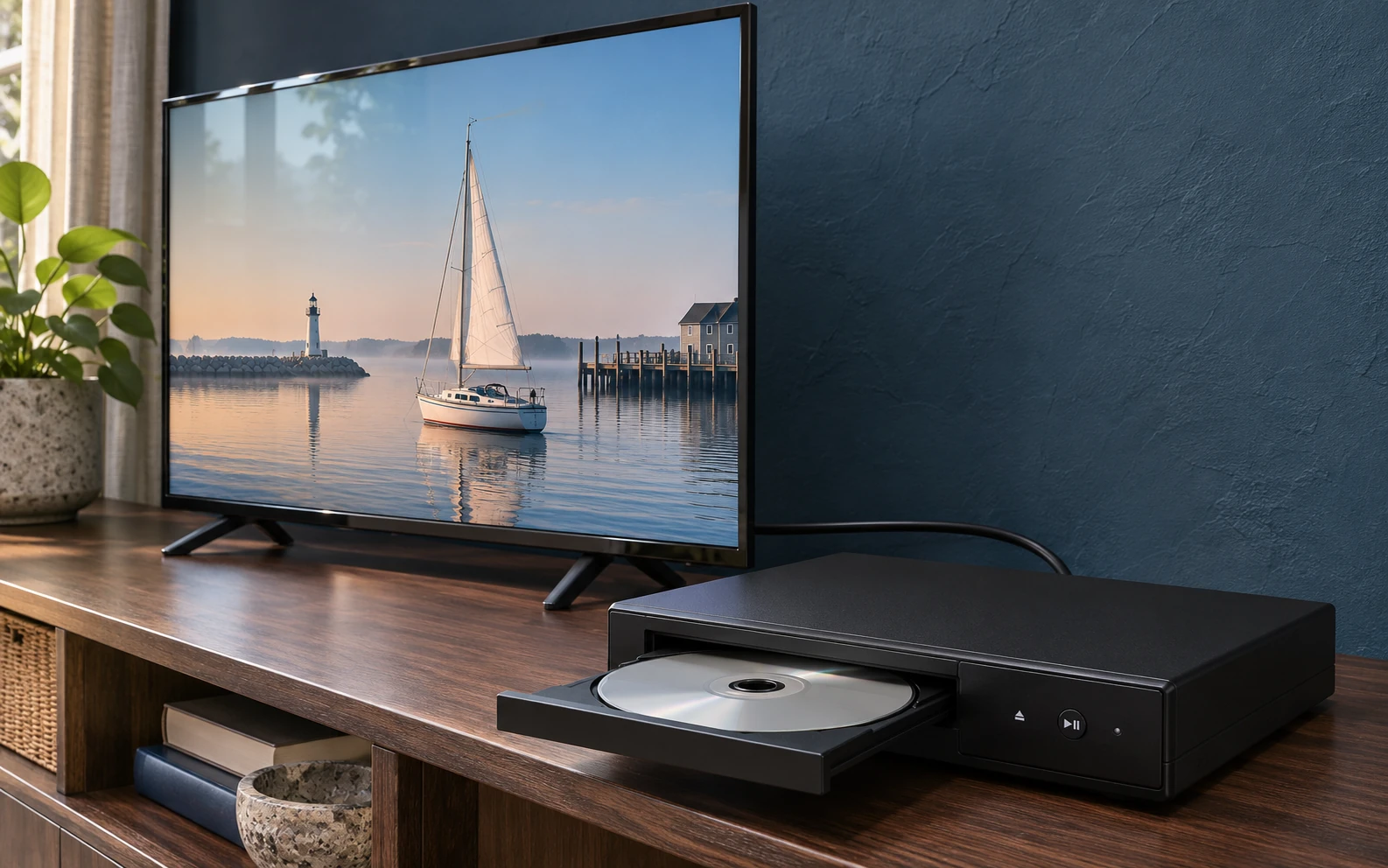
Connect a DVD player to a TV
Connect a DVD player using HDMI, composite or component. Identify the correct ports, choose the TV input and troubleshoot picture or sound problems.
Practical help for connecting, cleaning, streaming and understanding your TV.
Browse the collectionConnect a DVD player using HDMI, composite or component. Identify the correct ports, choose the TV input and troubleshoot picture or sound problems.

Reset a Samsung TV, restart it without losing settings or reset Smart Hub. Understand the PIN, model-specific menu paths and what each option changes.

Find the official remote app for Roku, Fire TV, Google TV, Samsung or LG. Learn pairing requirements, network checks and what to do when the remote is lost.

Clean a plasma TV screen with a careful dry-first method. Understand coated glass, manufacturer-specific moisture guidance and when to stop rubbing a mark.

Use Alexa for supported TV playback, apps, volume and power. Understand Fire TV versus built-in Alexa, test commands and troubleshoot device or account issues.
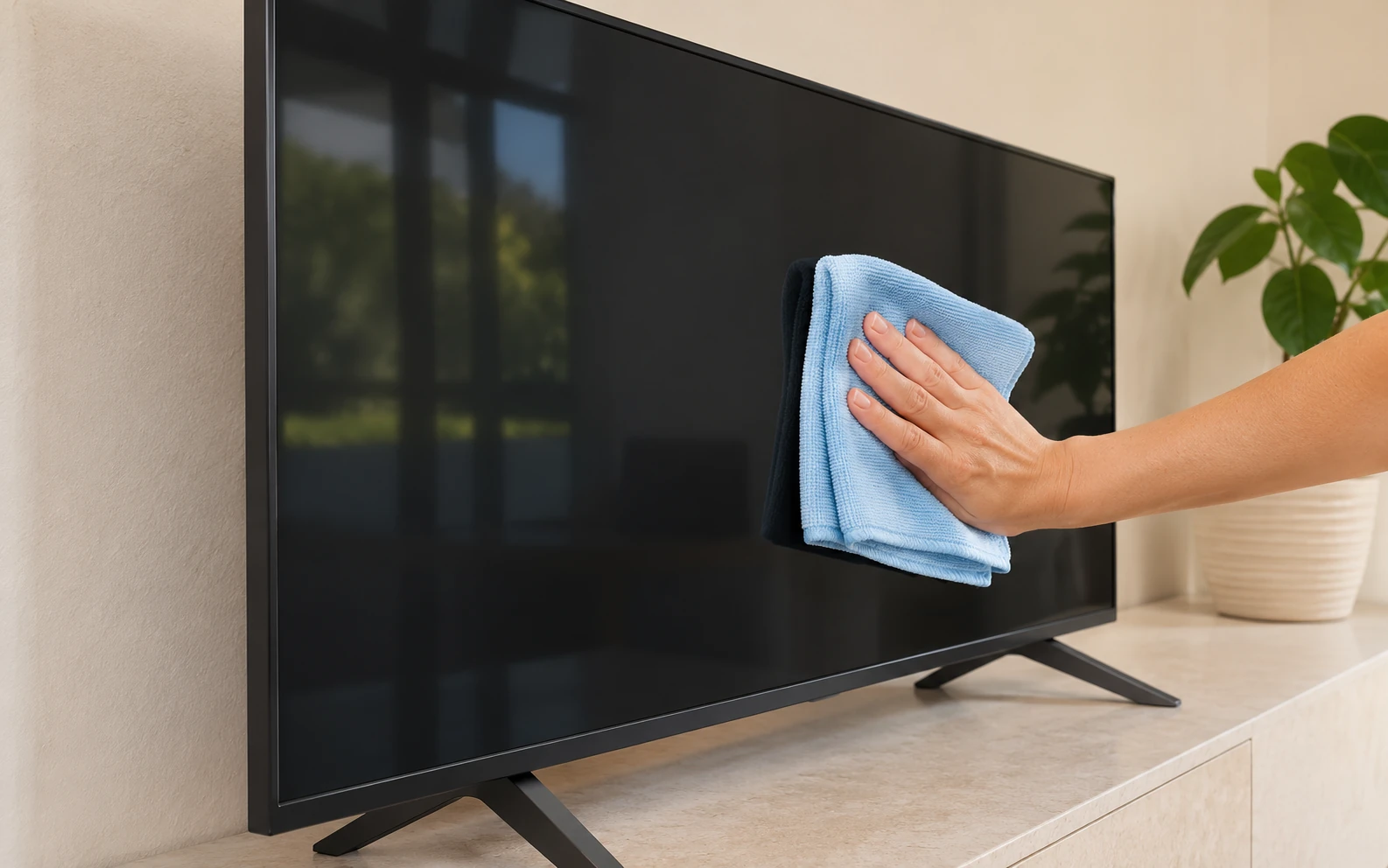
Clean a flat-screen TV without streaks. Choose the right cloth, remove residue gently and know when a persistent mark needs manufacturer advice.

Connect a Vizio soundbar using HDMI ARC, eARC or supported optical audio. Match ports and inputs, then troubleshoot silence, echo and missing surround sound.

Connect Nintendo Switch, Switch OLED or Switch 2 to a TV. Check dock and power requirements, select HDMI and troubleshoot a missing picture.

Clean an OLED TV screen gently, remove fingerprints and distinguish surface marks from image retention. Follow model-specific coating instructions.
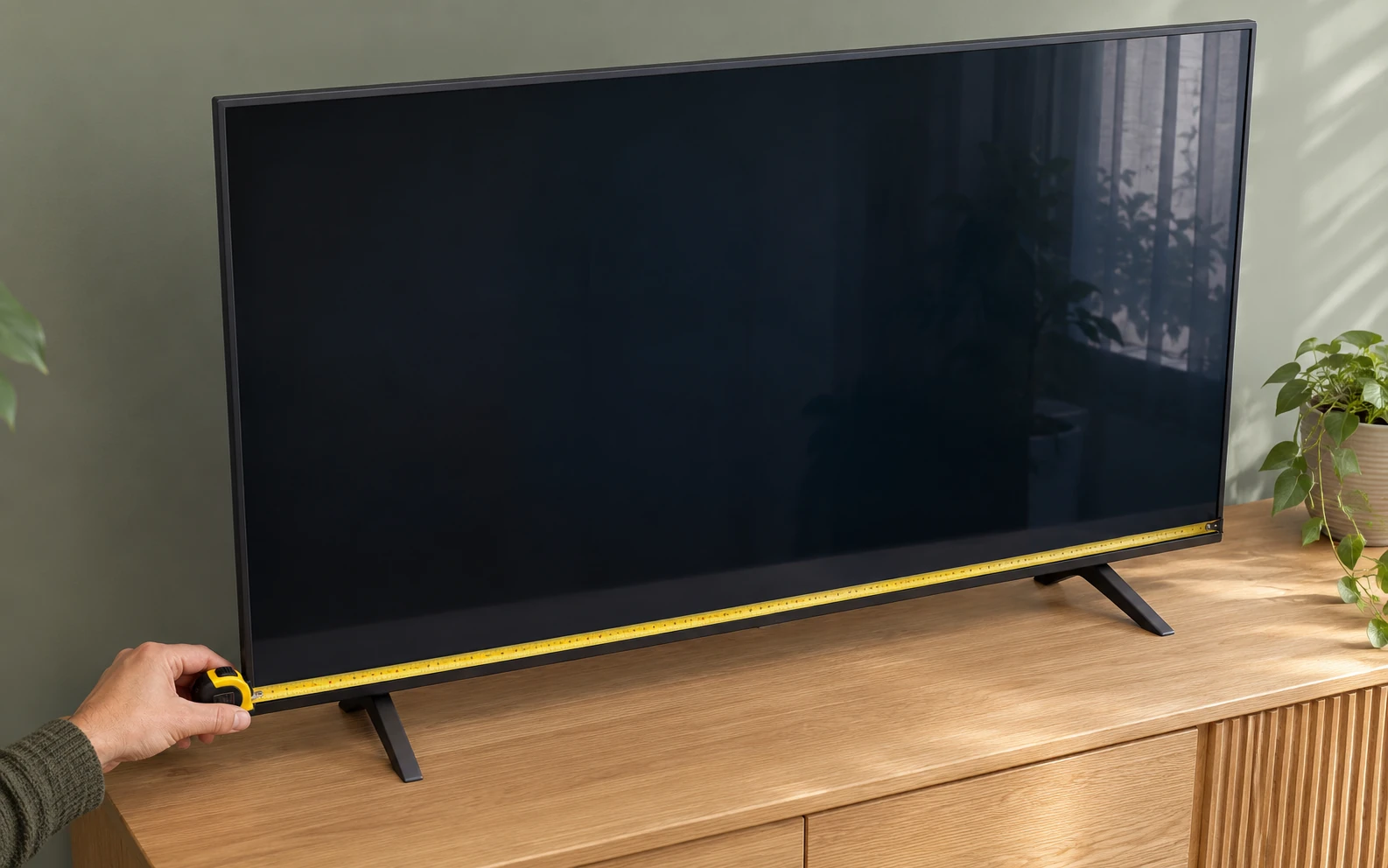
Measure a TV screen diagonally and check overall width, height, depth, stand spacing and wall-mount dimensions before choosing furniture or a replacement.

Get Disney+ on a supported smart TV, sign in and troubleshoot missing apps. Learn when an HDMI streaming device is the practical alternative.

Cast YouTube from a phone or computer, connect with a TV code and fix missing devices. Understand Wi-Fi, account and YouTube TV differences.

Choose a comfortable wall-mounted TV height using seated eye level, screen dimensions and bracket offsets. Avoid confusing screen center with drill height.

Compare verified 40-inch TV weights with and without stands. Learn which figure matters for wall mounting, furniture and transport.

Add Wi-Fi streaming to a non-smart TV using an HDMI player. Check power, inputs and network setup, plus options for televisions without HDMI.

Connect wireless headphones to a TV with Bluetooth or a compatible transmitter. Check audio outputs, delay, pairing and simultaneous speaker support.

Stream an iPhone or Android phone to a TV using AirPlay, Google Cast, screen mirroring or supported HDMI. Check compatibility and common connection problems.

Compare LG and Samsung TVs by panel type, HDR formats, gaming features, smart platforms and room fit. Use exact models rather than broad brand claims.

Compare Netflix, Disney+ and Prime Video for travel viewing. Check offline downloads, plan restrictions, device support and practical pre-trip preparation.

Connect a Windows PC or Mac to a TV using HDMI, a supported adapter or wireless display. Set display mode, sound output and screen fit.

Hide wires behind a TV stand with labeled routes, loose ties, cable trays and suitable surface covers. Preserve ventilation, access and connector slack.

Add and organize apps on Vizio Home Screen, distinguish older SmartCast and VIA platforms, and troubleshoot a missing streaming service.

Connect Alexa to a compatible smart TV using built-in setup, SmartThings or Fire TV linking. Check accounts, discovery and control limitations.

Choose a TV size using viewing distance, room layout, content and physical fit. Test a full-size outline and distinguish screen dimensions from cabinet size.

Understand UHD versus HDR, their benefits and limits, and why a 4K TV can support both. Check HDR formats, content and the complete HDMI signal path.

Update Samsung TV software over the internet or USB. Find the correct firmware, fix a grayed-out update menu and understand app-update differences.

Connect a soundbar to a Samsung TV with HDMI ARC or eARC. Set Anynet+, sound output and eARC mode, then troubleshoot missing audio or control.

Program a Spectrum remote with model-specific steps for URC1160 V2, TV code entry and volume control. Distinguish TV setup from cable-box RF pairing.

Understand TV mounting without stud attachment. Check drywall construction, mount-specific limits, masonry options and when a freestanding solution is better.

Compare calculated 16:9 TV screen widths and heights from 24 to 98 inches. Understand diagonal size, cabinet dimensions and stand clearance.
Try a broader search or reset the filters to see every guide in this collection.
Find the full model number before following a setup guide. App menus and supported connections can vary across generations. When a general procedure and your device manual differ, use the manual.
Guides explain their research and limitations. Current prices and availability are set by retailers. TVMates may earn a commission from qualifying purchases. How affiliate links work.