

Separate what each label promises.
- UHD or 4K
- Usually 3840 × 2160 pixels for consumer TVs. It can show more source detail than Full HD, but it does not specify contrast, brightness or HDR performance.
- HDR
- A higher-dynamic-range signal and compatible display handling. Visible results depend on the content and the television's actual display capabilities.
- 4K HDR
- Both capabilities together. Every relevant device and connection must support the required signal or the system may fall back to another mode.
Compare the benefits and the limits.
UHD improves potential spatial detail
A 3840 × 2160 image contains four times the pixels of 1920 × 1080. With suitable source detail, screen size and viewing distance, that can make fine textures clearer. Upscaling lower-resolution material fills the panel but does not recreate every detail missing from the original.
HDR changes how bright and dark information is represented
HDR content can contain a wider range of brightness information and is often delivered with wider color capability. A compatible display maps that signal to what its panel can reproduce. Accepting HDR input alone does not prove strong highlights, convincing dark scenes or good tone mapping.
HDR formats need compatible support
HDR10, HLG, Dolby Vision and HDR10+ are different formats. Check the formats listed for the television and the source you use. An app or disc offering one format may provide a fallback, but do not assume every combination will deliver the same result.
The whole signal path matters
For an external player, check the content, player output, HDMI cable, any receiver or soundbar passthrough and the TV input. Some televisions require an enhanced input setting for certain modes. Native TV apps avoid an external HDMI video path but still depend on app, plan and display support.
Choose by the picture and the use case
For a new TV, compare appropriate resolution alongside panel contrast, brightness behavior, reflection handling and supported formats. A well-implemented picture matters more than collecting labels. Use model-specific evidence and comparable content rather than treating HDR as a guaranteed quality grade.
Put the details in context.
The TV is 4K but the HDR indicator never appears
Check whether the title, subscription and app actually provide HDR on that device. For HDMI sources, inspect output settings and the TV input mode. A 4K SDR program can be perfectly valid and will not automatically become native HDR.
HDR looks dim or washed out
Check the correct picture mode, input configuration and source output before judging the format. Room light and the panel's limitations also affect the result. Avoid forcing an incompatible color or HDR mode just to make a status label appear.
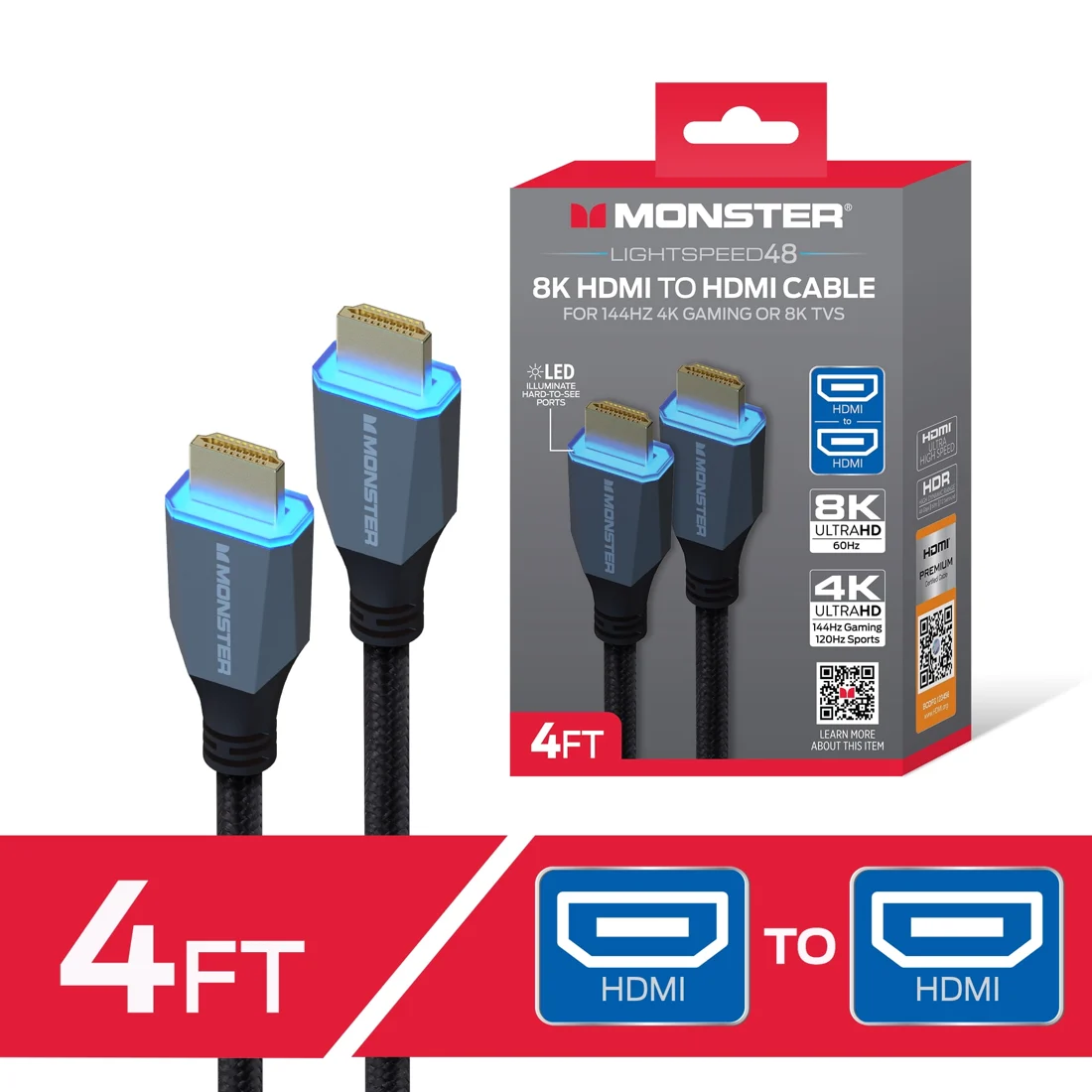
The cable package says 4K but the desired mode fails
Cable capability is only part of the path, and 4K modes can have different bandwidth requirements. Check resolution, refresh rate and HDR requirements together, plus adapters and intermediate devices. Test a direct connection to simplify diagnosis.
Pros and cons depend on what you are comparing.
UHD offers more potential detail but can reveal weak source quality and may require more streaming bandwidth. HDR can make supported content more expressive, but format compatibility and panel capability complicate the choice. Neither label repairs poor compression or guarantees accurate picture settings.
A television can be UHD without strong HDR performance, and HDR is not a synonym for higher resolution. Use our LG versus Samsung comparison to see how exact-model format lists differ, then check the HDMI connection requirements for your sources.
Checks that make this work.
Compare different picture properties
UHD usually describes a resolution such as 3840 by 2160 pixels on a consumer TV. HDR describes a way of representing a wider range of brightness and color when the content, source and display all support a compatible format. One does not automatically imply the other. A TV can accept a 4K signal without showing a convincing HDR image. Sony's 4K HDR explanation notes that both the TV and source must support the feature. Check the exact model's specifications for supported HDR formats and inputs rather than relying on a box badge alone.
Use the content you watch as a test
Compare a familiar film or game on a real display in an appropriate picture mode. Resolution can improve fine detail when the source contains it and you sit close enough to notice. HDR depends on the display's actual performance and the content's format. Streaming quality can also fall when bandwidth is limited. Do not assume a higher pixel count will compensate for poor contrast or that an HDR label will improve every older video. The best comparison states the source, viewing conditions and exact TV model. Use those details when weighing whether a more expensive set is worthwhile.
Model-aware instructions.
This guide is based on manufacturer and platform support material reviewed on November 4, 2026. We distinguish common steps from model-specific requirements and link relevant official guidance in the FAQs.
Menu names, app interfaces and supported features can change. Use the manual for your exact model when it differs from a general procedure. This is researched guidance, not a claim that we tested every television, app or accessory described.
A little more clarity.
Is UHD better than HDR?
They describe different things, so that is not a direct quality comparison. UHD concerns resolution, while HDR concerns the range of picture information and its display. A television and source can support both, which is commonly described as 4K HDR.
What resolution does UHD mean on a TV?
For ordinary 4K consumer televisions, it means 3840 × 2160 pixels. Sony's 4K and HDR explanation separates that pixel count from HDR. Cinema 4K terminology can differ, so use the actual resolution specification when comparing equipment.
Does every 4K TV have good HDR?
No. Resolution does not establish panel brightness, contrast, local dimming or tone-mapping quality. Some displays accept an HDR signal but reproduce it with limited impact. Compare the exact model's capabilities and credible performance evidence rather than relying only on an HDR logo.
Can a 1080p video be HDR?
Resolution and dynamic range are separate characteristics, so an HDR signal is not inherently limited to 4K. Actual playback support depends on the service, format and equipment. Check the specific content and device combination rather than assuming the labels always travel together.
Do I need eARC to see HDR video?
No. eARC is an audio-return feature, not the TV's HDR video capability. HDR video depends on the source, display and relevant video connection. A soundbar in the video path still needs compatible passthrough, but that is a separate specification from eARC.
Will turning on an HDR effect make normal TV native HDR?
A picture-processing effect can change the appearance of standard content, but it does not make that source a native HDR master. Compare the result to a normal picture mode and use the actual content format when diagnosing compatibility or quality.
 Compare exact-model features
 Check the video connection
 Choose a suitable screen size