
Match the treatment to the mark.
- Loose dust
- Use a dry microfiber cloth first. A dirty cloth can redistribute grease or drag grit across the coating.
- Fingerprints or a light smear
- Check the manual before adding moisture. If permitted, use a barely damp cloth, followed by a clean dry section.
- Persistent cloudy patch
- Stop escalating the pressure or cleaner. A coating defect, scratch or internal picture issue will not necessarily wipe away.
Work in small areas, then check the result.
Prepare the television
Turn it off and disconnect power as the manufacturer instructs. Let the surface cool and use ordinary room light to see the marks. Keep the TV stable on its stand or mount. Avoid pulling a large screen forward just to reach a corner.
Check the cloth before the screen
Choose a soft, clean microfiber cloth with no grit or hardened residue. Keep a second dry cloth nearby. A cloth used for furniture polish, kitchen grease or fabric softener residue can leave a film, even when it looks clean. Do not substitute paper towels or abrasive sponges.
Lift surface dust gently
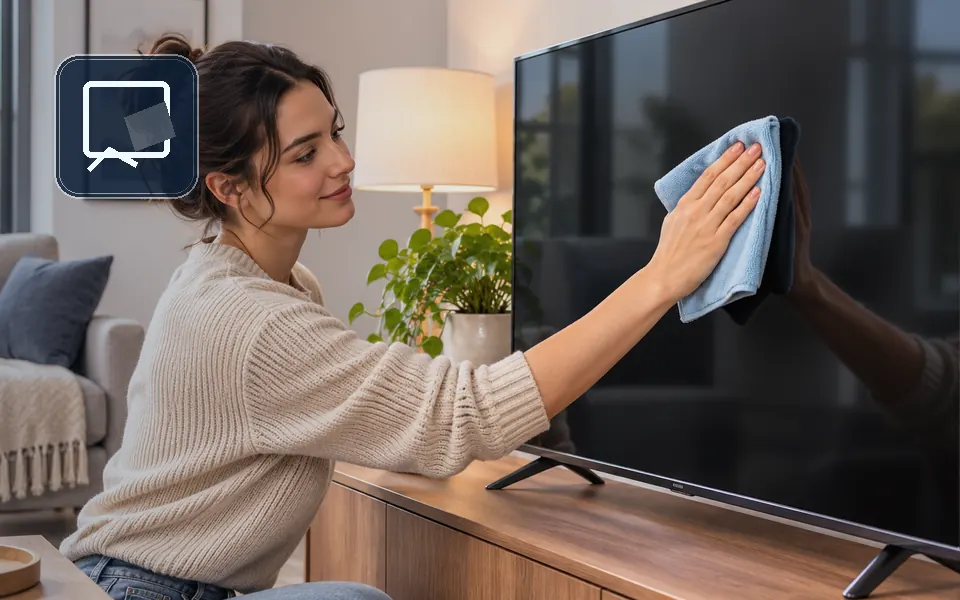
Wipe lightly without pressing a fingertip through the cloth. Work methodically so you can see which areas you have covered. Follow your model's recommended wiping direction. Keep seams, labels and the cloth's edges away from the screen surface.
Treat the remaining mark sparingly
If the manual allows water, put a little on the cloth rather than the TV and wring it until it cannot drip. Clean the affected patch, then gently remove remaining moisture with a fresh dry section. Avoid making the whole panel wet to deal with one fingerprint.
Inspect after drying
Let the screen dry completely before reconnecting power. Check it once in reflected room light and once with normal content. If a smear changes position, try a fresh cloth rather than more pressure. If a patch stays fixed or the coating looks altered, stop and ask the manufacturer about it.
Find the symptom. Check the cause.
The streak moves when you wipe
The cloth may be carrying oil or residue. Switch to an unused clean section or a second microfiber cloth. Repeatedly moving the same damp patch across the screen can spread the material you are trying to remove.
There are drying spots
Too much moisture or residue may remain. Follow the approved damp-then-dry method with minimal water. Do not try vinegar, household glass cleaner or a stronger solvent just because the first pass left a mark.
The mark appears only while the TV is on
Check another source and the TV's own menu. A line, uniformity issue or retained image may be part of the displayed picture. Cleaning the outside will not repair a pixel or remove internal panel damage.
A screen coating is not ordinary window glass.
Cleaning instructions differ between models, including models sold by the same manufacturer. Sony, for example, gives special chemical-cleaning instructions for specific BRAVIA 9 II sizes. Those instructions are not permission to use the same chemicals on another television. The exact model manual takes priority over a bottle labeled screen cleaner.
For a thin OLED panel, also consider how you support the TV and distinguish physical dirt from panel maintenance. Our OLED cleaning guide explains that difference. Older plasma sets have their own instructions in the plasma screen guide.
Checks that make this work.
Use the screen maker's method
Turn the TV off and let the panel cool. Start with a clean, dry microfiber cloth and light pressure. A dirty cloth can drag grit across the surface and create the streak you are trying to remove. Do not spray liquid onto the screen or use window cleaner by default. Check the manual for the exact model before dampening a cloth; surface coatings differ. If the mark persists, stop rather than scrubbing harder. The Samsung cleaning guide and Sony screen-care guidance are manufacturer examples, not permission to use the same liquid on every display.
Prevent the next streak
Wipe in a consistent direction with a fresh section of cloth and check the result with the TV off. Avoid touching the panel with bare fingers when moving or adjusting it. Keep the cloth separate from furniture polish or other household products. If a mark is actually a panel defect, pressure or repeated cleaning will not solve it. Compare the symptom with the manufacturer's troubleshooting information. Clean the cabinet and stand separately according to their materials, keeping moisture away from vents and ports. A careful, minimal pass is usually more useful than applying more cleaner.
Model-aware instructions.
This guide is based on manufacturer and platform support material reviewed on November 4, 2026. We distinguish common steps from model-specific requirements and link relevant official guidance in the FAQs.
Menu names, app interfaces and supported features can change. Use the manual for your exact model when it differs from a general procedure. This is researched guidance, not a claim that we tested every television, app or accessory described.
A little more clarity.
Why does my TV look streakier after cleaning?
A cloth can spread grease, old cleaner or laundry residue into a larger film. Too much water can also leave drying marks. Let the screen dry, inspect the cloth and follow the exact TV cleaning instructions before attempting another gentle pass.
Can I use glass cleaner on a flat-screen TV?
Do not treat a coated television like a window. Household glass cleaners may contain ingredients unsuitable for its surface. Samsung's screen-cleaning guidance explains its recommended approach. Use your exact model's instructions if they differ from general advice.
Should I use a wet cloth or a dry cloth first?
Start dry to remove loose dust without spreading it into a damp film. Use moisture only when the manufacturer allows it and a mark remains. The cloth should be barely damp, with no liquid able to run down the panel.
Is alcohol always safe if it removes fingerprints?
No. Chemical compatibility depends on the screen coating. Sony's care instructions include an alcohol method for particular BRAVIA 9 II models, not a universal method for every OLED or LCD television. Never transfer that exception to an unrelated screen.
Can I polish out a scratch?
Do not use toothpaste, polishing compounds or abrasive pads on a television panel. They can alter the coating and make the damaged area larger. A scratch that remains after gentle cleaning needs manufacturer assessment rather than progressively harder rubbing.
How often should I clean the screen?
Clean when dust or visible smudges justify it, rather than repeatedly polishing an already clean panel. Avoid touching the screen and keep a dedicated microfiber cloth protected from dirt. Less handling reduces the need to remove fresh fingerprints later.
 Clean an OLED panel
 Care for a plasma TV
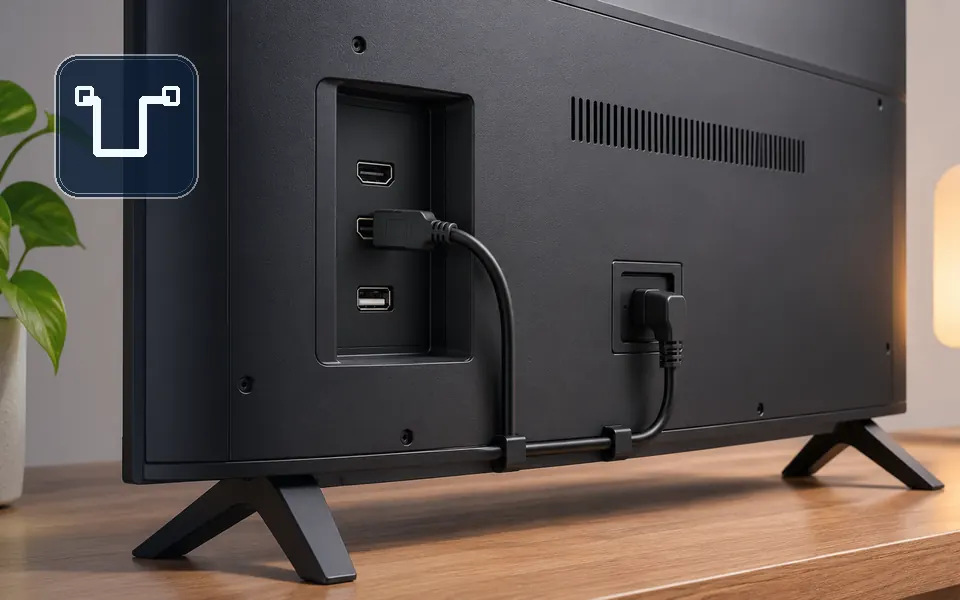 Tidy the area behind your TV