TV wall mounts: start with fit, then choose movement.
Compare a larger articulating bracket, a compact full-motion mount and a fixed option.
A screen-size range is only the first filter. Your television’s weight, mounting-hole pattern, rear connections and the wall construction must all match the bracket. These three mounts offer different movement and installation layouts, so the cheapest suitable design is more useful than the largest advertised size range.
USX MOUNT full-motion bracket · Larger adjustable setup
TVMates is an affiliate buying-guide website. We may earn a commission from qualifying purchases through affiliate links. These recommendations are research-based, not hands-on tests. Retailers handle purchases, delivery and returns.
Find your starting point
Compare the details that matter.
Compare the exact models, their useful differences and the checked offers.
US item prices checked November 4, 2026. Tax, delivery, installation and subscriptions are extra. Sellers and availability can change. Confirm the delivered total for your ZIP code.
Options compared by the features and limitations that affect your purchase
These are options for different needs, not a measured performance ranking. Match the exact model and current offer before buying.
Scoring method: These are specifications-based editorial judgements of documented features, suitability and buying limitations — not hands-on tests or customer reviews. Check current offers and exact model details.
Larger adjustable setup
01
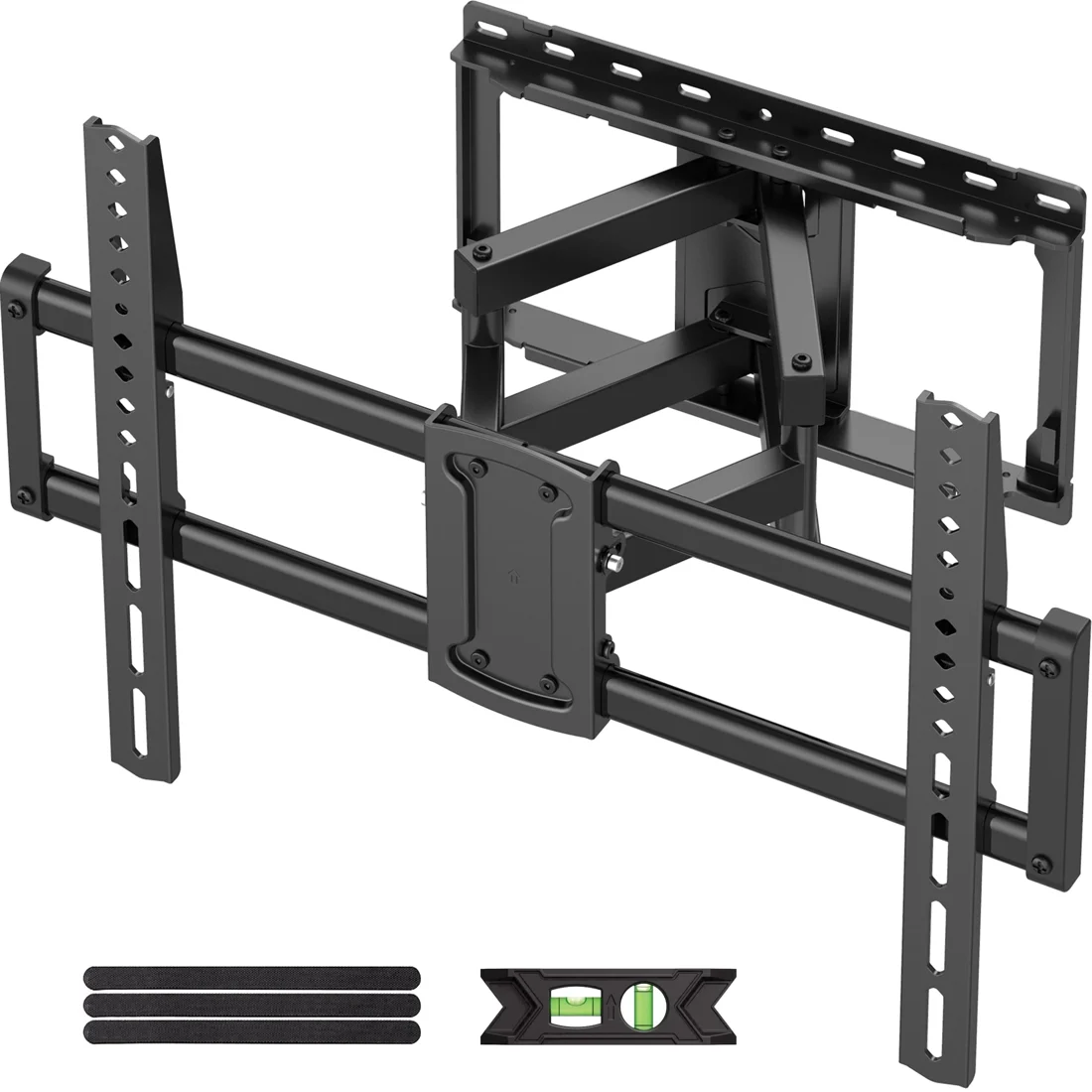
USX MOUNT full-motion bracket
Walmart item 381594003, XML926-K imagery
Use articulation when the viewing position changes.
USX MOUNT full-motion bracket · Retailer product image. Promotional artwork is subject to the current offer.
Listed load
132 lb maximum
Wall fit
16-inch wood studs listed
Extension
2.52 to 16.6 inches in product imagery
Model
Walmart item 381594003, XML926-K imagery
Listed load: 132 lb maximum
Wall fit: 16-inch wood studs listed
Extension: 2.52 to 16.6 inches in product imagery
Larger adjustable setup
Review at a glance
The USX bracket was $38.87 from USX MOUNT, fulfilled by Walmart. The current product title lists up to 132 lb, a maximum VESA pattern of 600 by 400mm and 16-inch wood-stud fit. Its own diagrams show a 2.52-inch retracted position and extension to…
Why it made the shortlist
An articulating design with documented extension and a higher listed load than the compact option.
Key specifications
Listed load: 132 lb maximum · Wall fit: 16-inch wood studs listed · Extension: 2.52 to 16.6 inches in product imagery
Who it suits
Choose USX when a larger screen needs movement and every weight, VESA and wall requirement matches.
Things to check
The size-range wording differs across the listing, so upper-limit compatibility needs confirmation.
Read the full editorial analysis +
The USX bracket was $38.87 from USX MOUNT, fulfilled by Walmart. The current product title lists up to 132 lb, a maximum VESA pattern of 600 by 400mm and 16-inch wood-stud fit. Its own diagrams show a 2.52-inch retracted position and extension to 16.6 inches, useful if you need to turn the screen toward different seats.
The current title says 47 to 92 inches, while older URL wording says 47 to 90. Confirm the exact delivered revision if your television is at the upper limit. Do not use diagonal alone to approve the fit, and allow for the screen’s width, cable movement and wall clearance when the arm turns.
Research-based editorial assessment, not hands-on testing. Verify the exact model, current specifications and seller conditions before buying.
Choose USX when a larger screen needs movement and every weight, VESA and wall requirement matches.
Checked seller: USX MOUNT, fulfilled by Walmart. Confirm exact revision, load, VESA pattern and wall requirements.
Compact adjustable setup
02
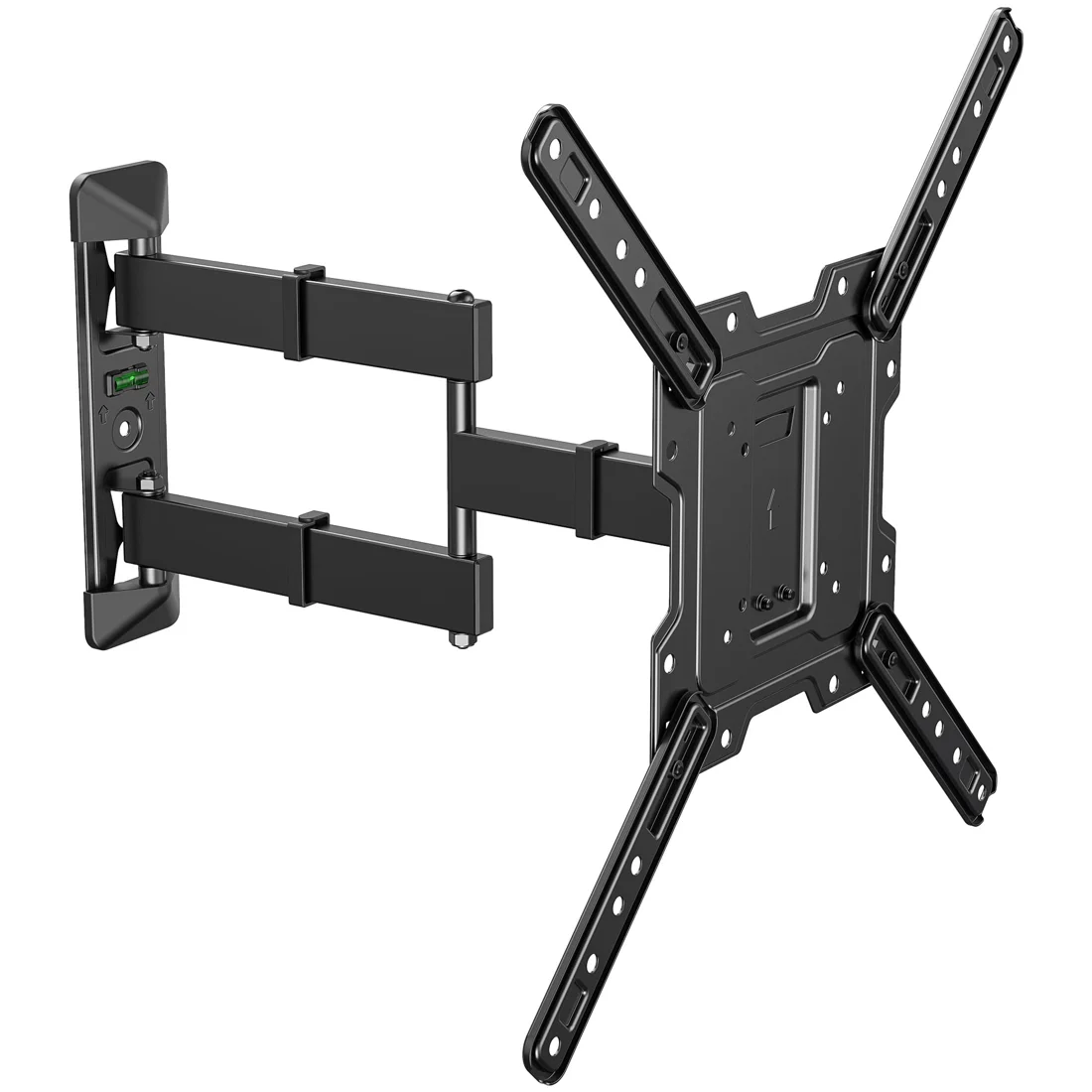
onn. 19 to 50-inch full-motion mount
100027964, Walmart item 990431788
Choose a smaller arm only after confirming its load rating.
onn. 19 to 50-inch full-motion mount · Retailer product image. Promotional artwork is subject to the current offer.
VESA range
75 × 75 to 400 × 400mm in guide
Extension
About 2.7 to 16.7 inches
Wall layout
Single-stud design
Model
100027964, Walmart item 990431788
VESA range: 75 × 75 to 400 × 400mm in guide
Extension: About 2.7 to 16.7 inches
Wall layout: Single-stud design
Compact adjustable setup
Review at a glance
The compact onn. mount was $26.96 from Walmart. Its original product guide documents a single-stud mounting arrangement, a VESA range from 75 by 75 to 400 by 400mm and approximately 2.7 to 16.7 inches of extension. It is the relevant shape for a…
Why it made the shortlist
A compact articulating design with documented VESA and reach information.
Key specifications
VESA range: 75 × 75 to 400 × 400mm in guide · Extension: About 2.7 to 16.7 inches · Wall layout: Single-stud design
Who it suits
Consider this onn. only when the seller confirms the matching unit’s load and installation instructions.
Things to check
Conflicting published load figures must be resolved against the exact supplied unit.
Read the full editorial analysis +
The compact onn. mount was $26.96 from Walmart. Its original product guide documents a single-stud mounting arrangement, a VESA range from 75 by 75 to 400 by 400mm and approximately 2.7 to 16.7 inches of extension. It is the relevant shape for a smaller screen that needs to turn toward a seat.
The retailer summary gives a 50 lb load, while the retrieved 100027964 guide gives 77 lb. We have not treated the higher figure as a verified limit for the current unit. Confirm the rating on the supplied product label and matching instructions before purchase or installation, and do not rely on a screen-size match to resolve that conflict.
Research-based editorial assessment, not hands-on testing. Verify the exact model, current specifications and seller conditions before buying.
Consider this onn. only when the seller confirms the matching unit’s load and installation instructions.
Load information conflicts between the retailer summary and retrieved guide. Confirm the exact-unit rating before buying.
Fixed front-facing setup
03
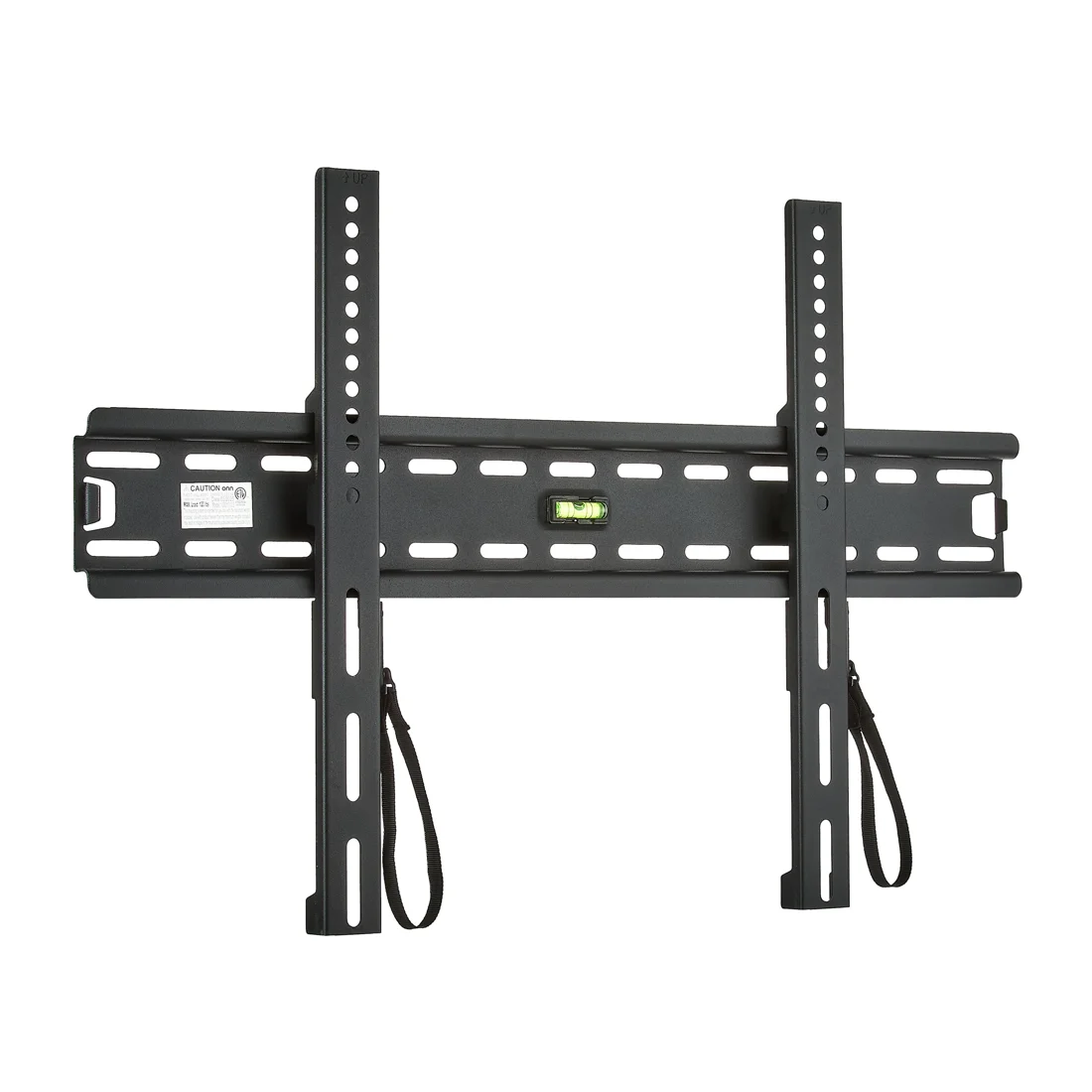
onn. 32 to 86-inch fixed mount
Single pack, Walmart item 777842123
Keep the screen in one position for the lowest item price.
onn. 32 to 86-inch fixed mount · Retailer product image. Promotional artwork is subject to the current offer.
Listed load
Up to 120 lb
Package
Single mount
Positioning
Fixed, not articulating
Model
Single pack, Walmart item 777842123
Listed load: Up to 120 lb
Package: Single mount
Positioning: Fixed, not articulating
Fixed front-facing setup
Review at a glance
The fixed onn. mount was $24.88, $2.08 less than the compact full-motion option. Its selected single-pack listing identifies a 32-to-86-inch screen range and a 120 lb maximum load. It makes sense when the main seat faces the screen and you do not…
Why it made the shortlist
The lowest checked item price for a straightforward fixed position.
Key specifications
Listed load: Up to 120 lb · Package: Single mount · Positioning: Fixed, not articulating
Who it suits
Choose the fixed onn. when the screen can stay front-facing and the exact bracket fits.
Things to check
It cannot swing toward another seat, and rear cable access needs advance planning.
Read the full editorial analysis +
The fixed onn. mount was $24.88, $2.08 less than the compact full-motion option. Its selected single-pack listing identifies a 32-to-86-inch screen range and a 120 lb maximum load. It makes sense when the main seat faces the screen and you do not need an arm to reposition it.
Check the exact VESA pattern, wall-stud layout and rear plug clearance against the supplied instructions. A fixed bracket provides less convenient access behind the television, so route and test connections before the final mounting step. The checked listing offered shipping, but the delivery fee was not explicitly confirmed.
Research-based editorial assessment, not hands-on testing. Verify the exact model, current specifications and seller conditions before buying.
Choose the fixed onn. when the screen can stay front-facing and the exact bracket fits.
Single-pack item price. Confirm VESA, wall requirements, shipping charges and the matching installation guide.
Before you order
Make the choice fit your setup.
Check four things before the diagonal
Use the television’s specified weight without its tabletop stand, adding anything the mount will also carry. Match its exact VESA pattern, bolt requirements and your wall construction. A broad size range does not override any of those checks.
Choose movement for an actual reason
An arm helps when seats change position or rear connections need access, but the screen and cables need room through the full movement. A fixed bracket suits one front-facing position. If the wall is unsuitable, compare stands with integrated mounts.
Plan connections and installation together
Check power, source cables and any soundbar before choosing a very close wall position. Use the supplied instructions for the exact bracket revision. Our HDMI cable guide helps match signal requirements without assuming every cable or connector fits the available space.
Our approach
A clear basis for comparison.
We compare the exact US products in this shortlist using manufacturer information where available and the linked retailer listings. We focus on the specifications, compatibility and practical limitations that can change a buying decision.
Match the model and variant, including the seller where a marketplace offer is involved.
Separate documented features from manufacturer claims and our own interpretation.
Explain important limitations rather than assign unsupported scores or claim hands-on testing.
Retailer-only details are identified in the relevant comparison. We do not treat seller motion labels or AI-generated summaries as independently measured performance. Product information and linked retailer offers were reviewed on November 4, 2026. Prices, sellers and delivery options can change. Check the exact listing and installation instructions before purchase.
The remaining questions
Useful answers before you buy.
Will any mount in the listed size range fit my TV?
No. The size range does not establish the TV’s weight, exact VESA hole pattern, bolt requirements or wall compatibility. All of those must match the bracket instructions, including any accessories the mount will also support.
Why is the compact onn. load limit not stated as a single number?
The retailer summary says 50 lb, while the retrieved 100027964 product guide says 77 lb. We have not assumed the higher figure applies to the current unit. Confirm its label and matching instructions before buying or installing.
Can these mounts be attached to drywall alone?
Do not assume that they can. The retrieved onn. full-motion guide explicitly excludes drywall-only installation. Follow the exact bracket’s approved wall types and fasteners, and obtain competent installation help if the wall construction is uncertain.
What does a VESA pattern tell me?
It describes the horizontal and vertical spacing of the mounting holes, in millimeters. A matching maximum size alone is not enough: confirm that the bracket supports your exact pattern, along with the required screw size and permitted depth.
Does the USX mount fit a 92-inch screen?
The current title says up to 92 inches, while older URL wording says 90. Confirm the exact supplied revision and screen compatibility with the seller, then check load, VESA pattern and clearance. The diagonal alone is not approval.
When is a fixed bracket the better choice?
A fixed bracket can suit a television viewed from one main position when you do not need swivel or extension. Confirm rear cable clearance and access first, because the screen cannot simply pull forward on an arm.
Your next step
Choose around the job it needs to do.
Larger adjustable setup
Choose USX when a larger screen needs movement and every weight, VESA and wall requirement matches.