
Compact OLED option
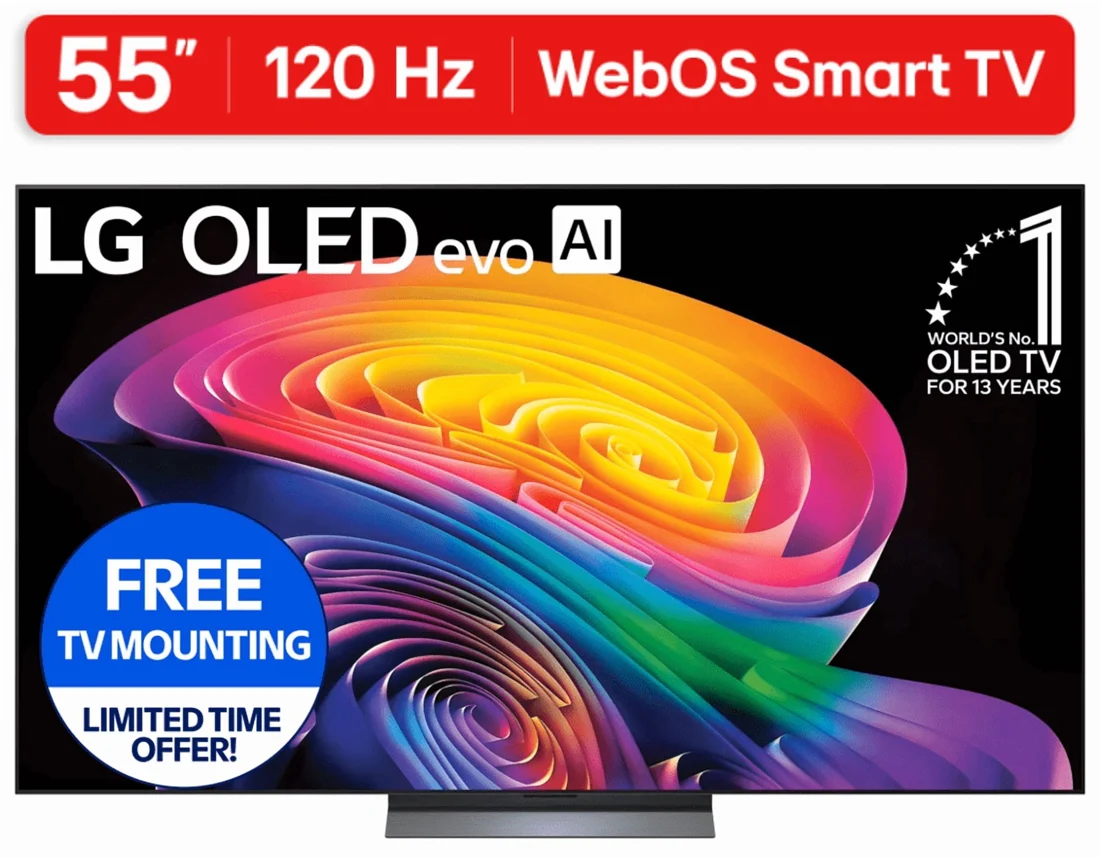
LG 55-inch C6 OLED
TVMates editorial score9.0 /10Compact OLED option
- Screen
- 55 inches
- Display
- 4K OLED
- Smart platform
- webOS 26
- Gaming detail
- Up to 165Hz with a compatible PC
- Main consideration
- OLED care matters
55-inch OLED, 65-inch OLED or 75-inch Mini LED.
Compare two LG C6 OLED sizes with the 75-inch QNED84B. Decide how much screen you need, which display technology fits your viewing and which gaming modes your source supports.
TVMates is an affiliate buying-guide website. We may earn a commission from qualifying purchases through affiliate links. These recommendations are research-based, not hands-on tests. Retailers handle purchases, delivery and returns.
The C6 pair changes screen size within the OLED family. The QNED84B changes both the size and the display technology.
| The shortlist US models | Compact OLED optionLG 55-inch C6 OLEDOLED55C6PUA | Larger OLED view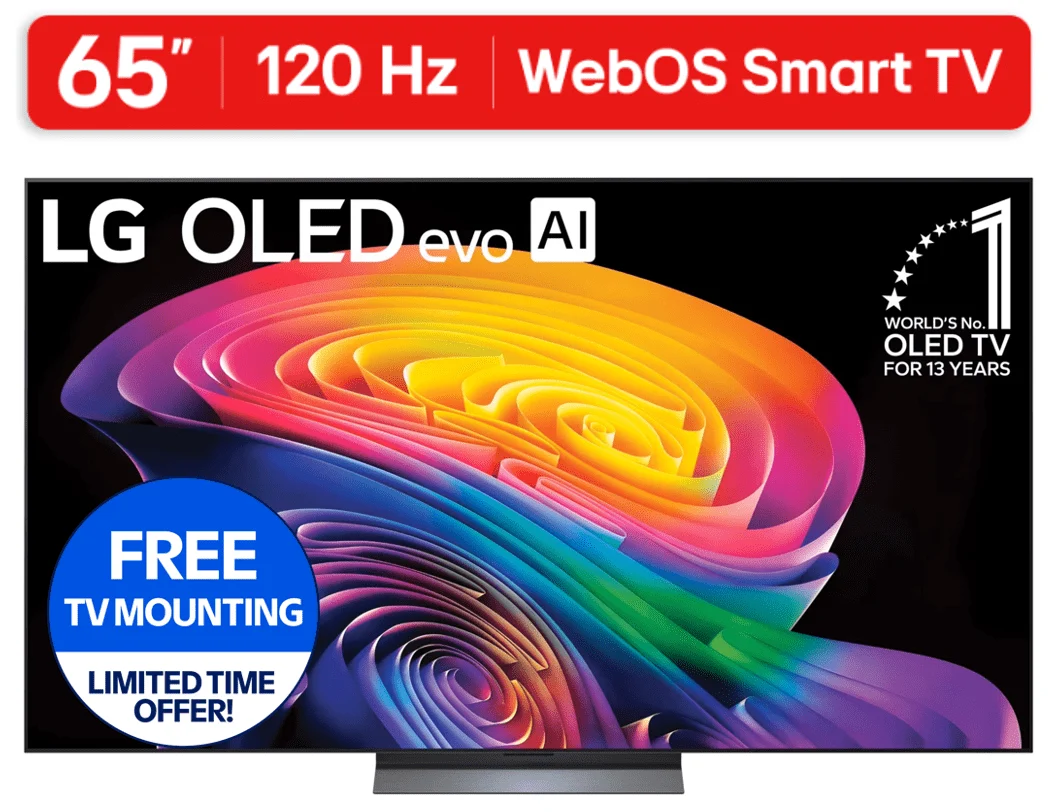 LG 65-inch C6 OLEDOLED65C6PUA | Largest LG in this group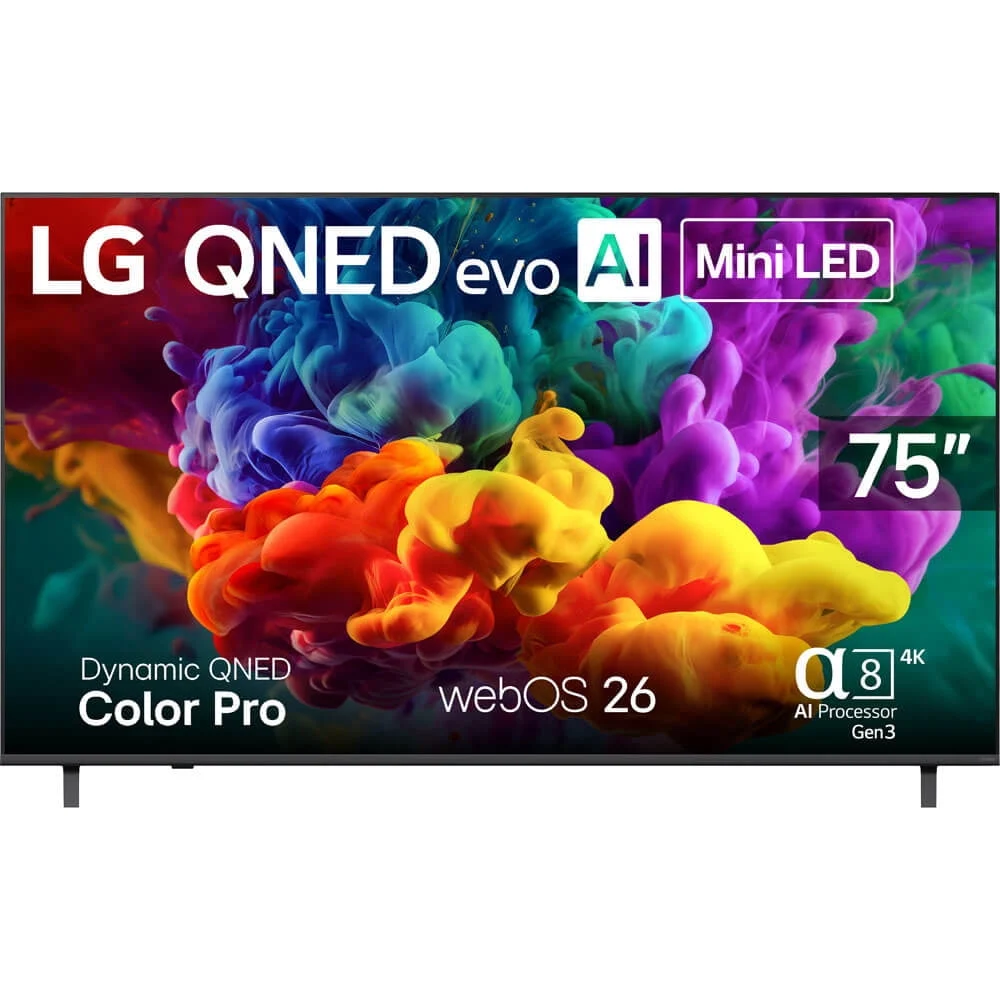 LG 75-inch QNED84B75QNED84BUA |
|---|---|---|---|
| TVMates editorial score | 9.0/10Compact OLED option | 8.7/10Larger OLED view | 8.4/10Largest LG in this group |
| Screen | 55 inches | 65 inches | 75 inches |
| Display | 4K OLED | 4K OLED | 4K QNED Mini LED |
| Smart platform | webOS 26 | webOS 26 | webOS 26 |
| Gaming detail | Up to 165Hz with a compatible PC | Up to 165Hz with a compatible PC | 120Hz native, up to 144Hz VRR |
| Main consideration | OLED care matters | Needs more room than 55 inches | HDR10 and HLG |
These are options for different needs, not a measured performance ranking. Match the exact model and current offer before buying.
How the scores work: These are research-based editorial assessments of the documented specifications, suitability for this guide and buying limitations. They are not hands-on test results, independent laboratory measurements or customer ratings. Check the exact model and current seller information.
OLED55C6PUA
The 55-inch C6 is the smallest LG option here and one of the two OLED choices. It gives you the self-lit pixel approach and Dolby Vision without committing to the footprint of a 65-inch or 75-inch screen. That makes it worth starting here if…
OLED light control, Dolby Vision and documented high-refresh PC support make a focused feature combination.
Screen: 55 inches · Display: 4K OLED · PC gaming: Up to 165Hz
Choose the 55-inch C6 for an OLED setup where a larger screen would be unnecessary.
OLED care and the cost of the panel deserve consideration alongside picture features.
The 55-inch C6 is the smallest LG option here and one of the two OLED choices. It gives you the self-lit pixel approach and Dolby Vision without committing to the footprint of a 65-inch or 75-inch screen. That makes it worth starting here if your room does not benefit from a larger diagonal.
Its webOS platform is shared broadly with the other LG options, but the panel and supported features should still be checked by model. LG advertises up to 165Hz with compatible PC hardware. Compare the actual delivered price and follow the OLED care guidance, particularly when your viewing includes static graphics.
Research-led assessment of the exact variant described, not a hands-on product test. Confirm current specifications, availability and seller terms before ordering.
OLED65C6PUA
The 65-inch C6 is the straightforward size upgrade from the 55-inch C6 in this group. It retains the self-lit OLED approach, Dolby Vision and webOS, so the practical question is whether a larger image improves your viewing from the usual seat.
A 65-inch OLED combines a larger image with individual pixel light control.
Screen: 65 inches · Display: 4K OLED · HDR: Dolby Vision
Consider the 65-inch C6 when screen size and OLED are both priorities.
It needs more physical space and generally a larger budget than the 55-inch version.
The 65-inch C6 is the straightforward size upgrade from the 55-inch C6 in this group. It retains the self-lit OLED approach, Dolby Vision and webOS, so the practical question is whether a larger image improves your viewing from the usual seat.
Both the budget and the furniture need to accommodate the change. LG's up-to-165Hz PC gaming claim still requires compatible hardware and does not turn ordinary video into high-frame-rate content. Check the model-specific mounting and OLED care instructions rather than assuming size is the only installation difference.
Research-led assessment of the exact variant described, not a hands-on product test. Confirm current specifications, availability and seller terms before ordering.
75QNED84BUA
The 75QNED84BUA offers the biggest screen in this LG group using Mini LED backlighting. LG lists a native 120Hz panel, up to 144Hz VRR and three HDMI inputs. It is a different balance from the two C6 OLEDs: screen size and LCD backlighting take…
A 75-inch Mini LED with 120Hz native refresh offers a distinct large-screen option.
Screen: 75 inches · Native refresh: 120Hz · HDMI: 3, eARC on HDMI 2
Choose the QNED84B if the larger image matters more to you than choosing OLED.
The HDR formats and Motion Booster mode differ from the OLED models.
The 75QNED84BUA offers the biggest screen in this LG group using Mini LED backlighting. LG lists a native 120Hz panel, up to 144Hz VRR and three HDMI inputs. It is a different balance from the two C6 OLEDs: screen size and LCD backlighting take the place of self-lit pixels.
LG's exact specification lists HDR10 and HLG, so we do not carry over the retailer's Dolby Vision claim. Motion Booster 288 also uses an optimized Full HD mode rather than promising 4K at 288Hz. With the stand, the TV measures 65.6 by 40.4 by 14.2 inches. Check both furniture depth and the path into the room.
Research-led assessment of the exact variant described, not a hands-on product test. Confirm current specifications, availability and seller terms before ordering.
The 75-inch QNED84B is the largest option here, while the C6 models use self-lit OLED panels. A larger diagonal does not make the display technology equivalent. Compare what you value at your normal seating position before choosing a series.
LG lists Dolby Vision on the C6 models. Its 75QNED84BUA specification lists HDR10 and HLG. Retailer descriptions can mix features between ranges, so use the exact US model number when checking a format that matters to you.
The QNED84B has three HDMI inputs, with eARC on HDMI 2. Include the audio system when counting devices. If a 55-inch screen is enough, the same-size alternatives from Samsung and TCL make a useful cross-brand comparison.
We compare the exact US products in this shortlist using manufacturer information where available and the linked retailer listings. We focus on the specifications, compatibility and practical limitations that can change a buying decision.
Retailer-only details are identified in the relevant comparison. We do not treat seller motion labels or AI-generated summaries as independently measured performance. Product information and linked retailer offers were reviewed on November 4, 2026. Prices, sellers and delivery options can change. Check the exact listing and installation instructions before purchase.
No. The QNED84B here uses an LCD panel with a Mini LED backlight. The C6 televisions use self-lit OLED pixels. The names describe different display approaches, so compare the exact panel type rather than treating the LG branding as one technology.
Choose around your viewing position and available space. Both mapped C6 models offer the same broad OLED and webOS proposition, while the 65-inch model gives a larger image. Compare the actual stand dimensions and delivered price before deciding that the extra size is useful.
LG's exact 75QNED84BUA specification lists HDR10 and HLG, so this guide does not claim Dolby Vision support for it. The C6 models do list Dolby Vision. Check the LG model specification if HDR format support determines your choice.
No. LG describes Motion Booster 288 as an optimized Full HD mode. The QNED84B has a 120Hz native panel with up to 144Hz VRR. Read the resolution and hardware conditions together, because the largest refresh number does not describe every input mode.
LG lists the 75QNED84BUA at 14.2 inches deep with the stand. Its complete with-stand dimensions are 65.6 by 40.4 by 14.2 inches. Use those measurements alongside the installation instructions and the furniture's weight capacity.
No. Match the full US identifier to the size you are ordering. This guide uses OLED55C6PUA and OLED65C6PUA. The larger OLED77C6HUP elsewhere on the site is a different full identifier and should be checked against its own specification.
Choose the 55-inch C6 for an OLED setup where a larger screen would be unnecessary.
Revisit LG 55-inch C6 OLEDConsider the 65-inch C6 when screen size and OLED are both priorities.
Revisit LG 65-inch C6 OLEDChoose the QNED84B if the larger image matters more to you than choosing OLED.
Revisit LG 75-inch QNED84B